
How To Create Unlimited FREE Credit Cards
CHOOSE APPLE OR ANDROID
TO INSTALL OUR MOBILE APP
To begin, we just need you to install the mobile app. This allows you to use your phones to go through
the sign up process since one of the steps is to take selfie :-)
Step 1
Install The
Private Tabs
Mobile App
Scan To Install Private Cards For Free!




Step 1
Install The Private Tabs
Mobile App
Install Private Cards For Free!
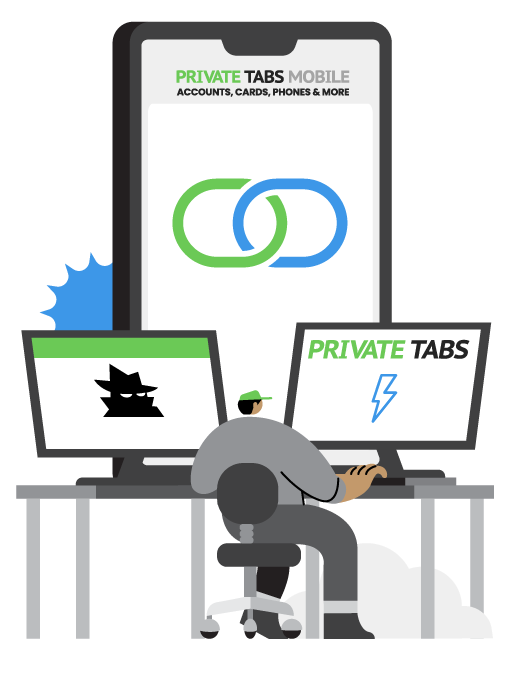
Step 2
Login and Link Desktop Mobile App
Once you log in to the mobile app, click "Accounts" and link it to your desktop.
This keeps everything in sync.
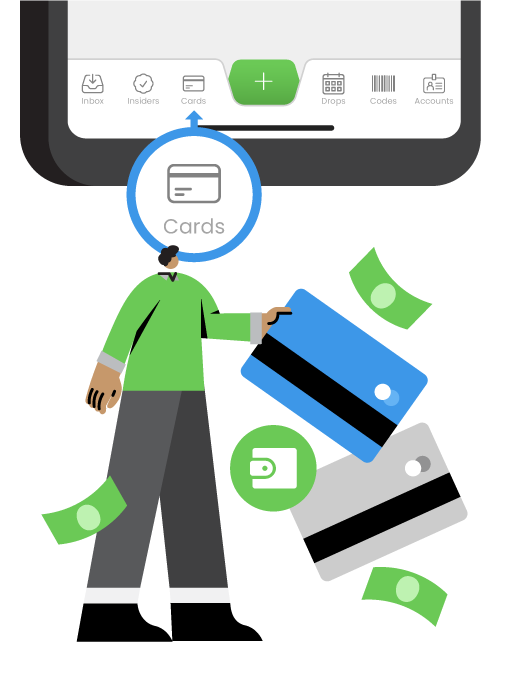
Step 3
Sign Up For
Credit Cards
Click "Cards" in the mobile app toolbar, then follow the steps. The entire sign-up process takes about 15 minutes.
Step 2
Login and Link Desktop
Mobile App
Once you log in to the mobile app, click "Accounts" and link it to your desktop.
This keeps everything in sync.
Step 3
Sign Up For Credit Cards
Click "Cards" in the mobile app toolbar, then follow the steps. The entire sign-up process takes about 15 minutes.

Step 4
Wait Up To 5 Days For Approval
We'll review your application within 5 days and approve you to create virtual credit cards within the mobile app or on the desktop.
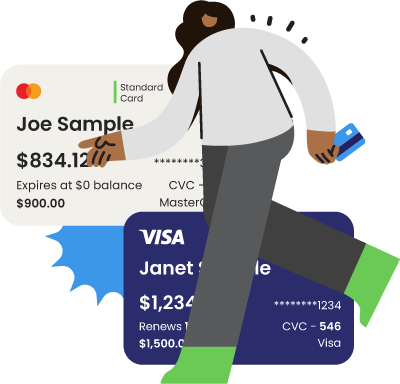
Step 5
Create Your
First Card
Once approved you can login on your desktop. When you edit a profile, you'll now see the ability to "Add Credit Cards" to any profile, or from within the mobile app.
Step 4
Wait Up To 5 Days For Approval
We'll review your application within 5 days and approve you to create virtual credit cards within the mobile app or on the desktop.
Step 5
Create Your First Card
Once approved you can login on your desktop. When you edit a profile, you'll now see the ability to "Add Credit Cards" to any profile, or from within the mobile app.
WATCH THE VIDEO BELOW FOR STEP-BY-STEP INSTRUCTIONS
If you have need help give us a call at 414-326-4100
WATCH THE VIDEO BELOW FOR STEP-BY-STEP INSTRUCTIONS
If you have need help give us a call at 414-326-4100
It only takes 15 minutes to setup and you can
instantly create credit cards that work perfectly with Private Tabs!

Need Help? Check Out The Video For Full Instructions >
It only takes 15 minutes to setup and you can instantly create credit cards that work perfectly with Private Tabs!
Need Help? Check Out The Video For Full Instructions >
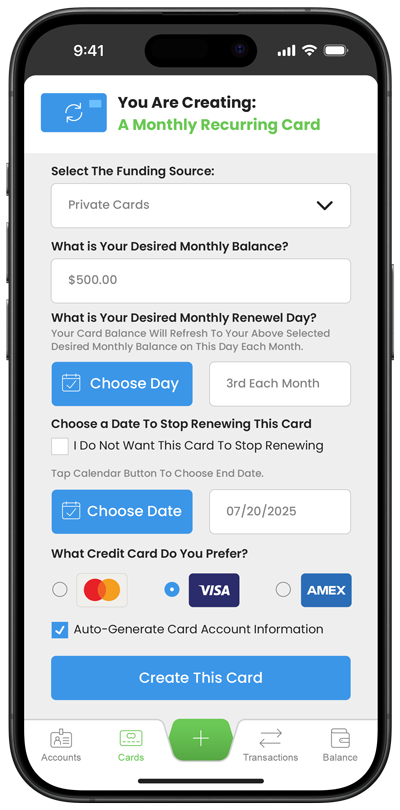
Create Credit Cards and Link Them
To Multiple Account Profiles To Stay Organized

Automatically Syncs with Private Tabs Browser
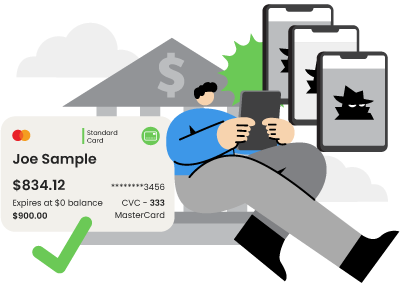
Create Credit Cards and Link Them
To Multiple Account Profiles To Stay Organized
Automatically Syncs with
Credit Cards Built For Business - Manage Multiple Accounts At Once!
Credit Cards Built For Business - Manage Multiple Accounts
At Once!
Copyright © 2025.